Cisco VPN Connect
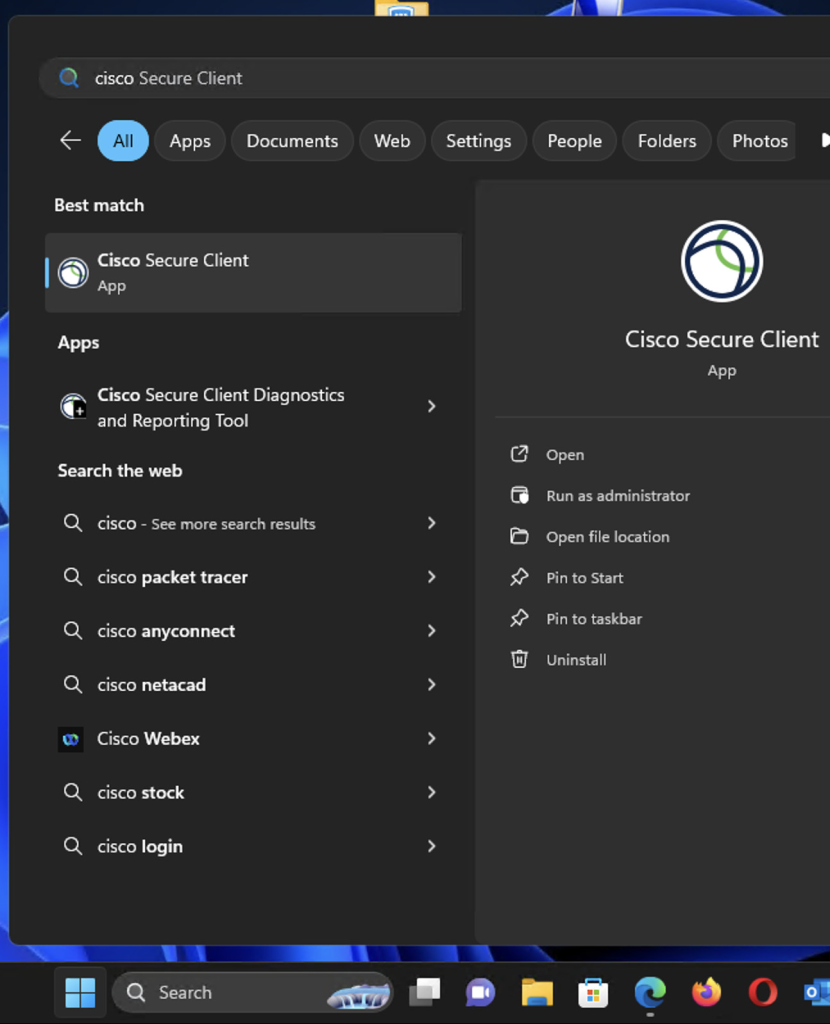
1) How to I find the app?
You can usually find the application by clicking the Start button and searching for Cisco AnyConnect or Cisco Secure Client (the name may vary depending on the version).
If you can’t find it, please contact the IT department here.
2) After I open the app, what should I do?
In the window that opens, enter the connection address and click Connect. Please note that after the first connection, the address will be saved and you will not need to change it again.
The address is: ht-bg-qqczmqgpvgc.dynamic-m.com:446
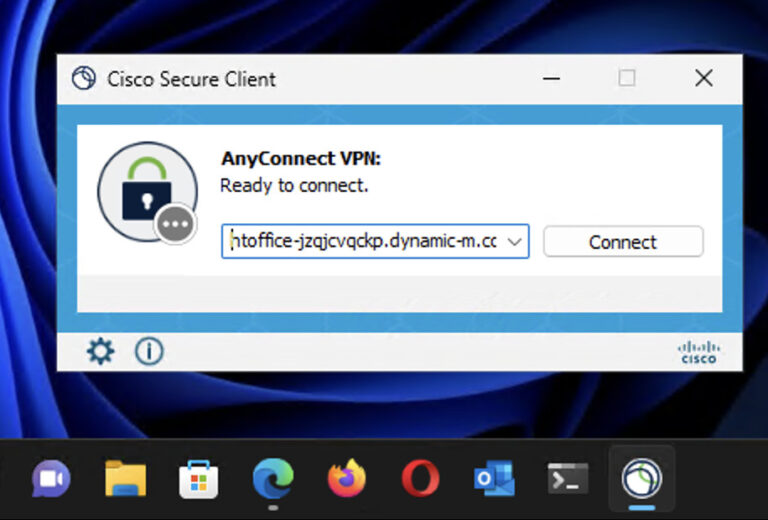
!! If you are connected Happy Tour network or not connected to internet at all, you can’t connect to VPN.
3) Last step
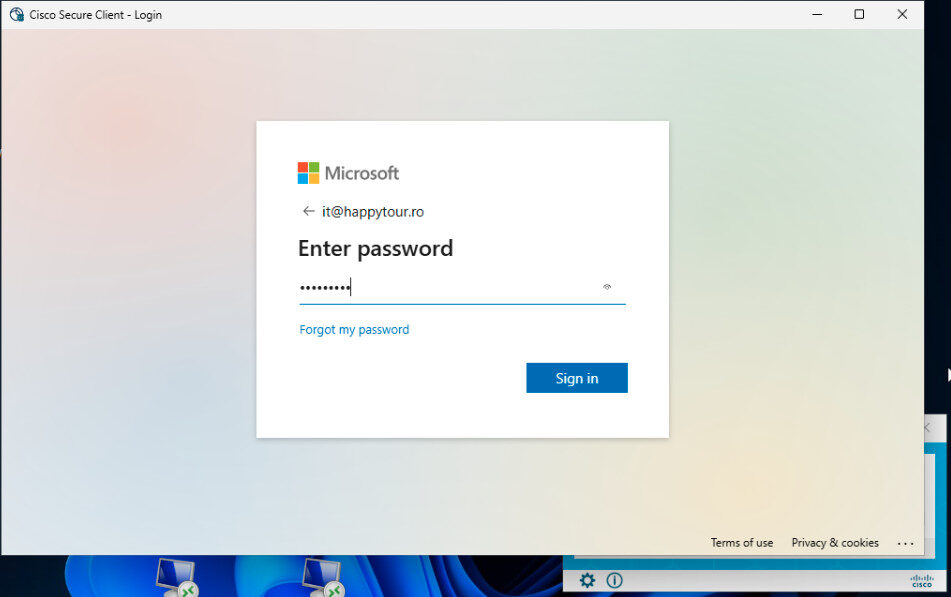
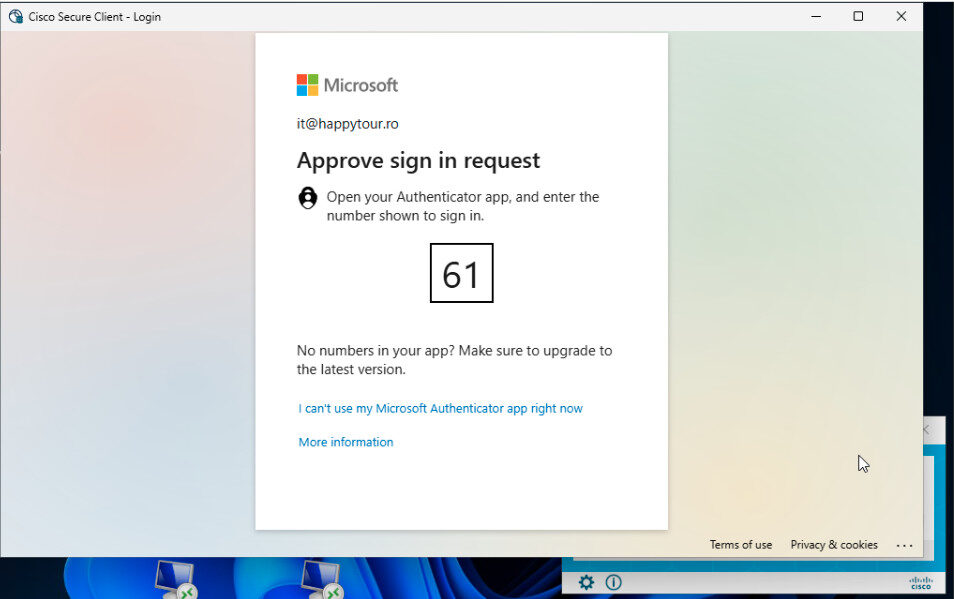
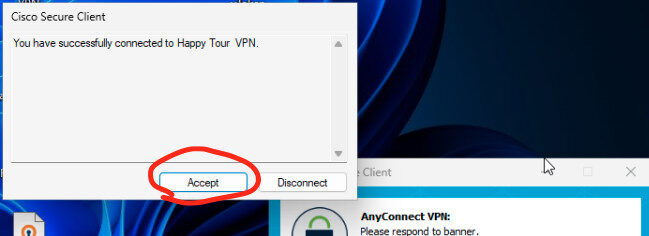
In the new window, enter your Microsoft 365 login details (your email username and password), along with two-factor authentication, either through the Microsoft Authenticator app or via SMS to your registered phone number.